Reading Time: 2 minutes
When employees in the field can’t see the full picture of what they need to do, there are the consequences: repeat visits, delays, wasted time, frustrated customers, and dispatch teams constantly firefighting. Salesforce Field Service is an excellent tool for getting the right workers to the right place at the right time, but it also has its limitations.
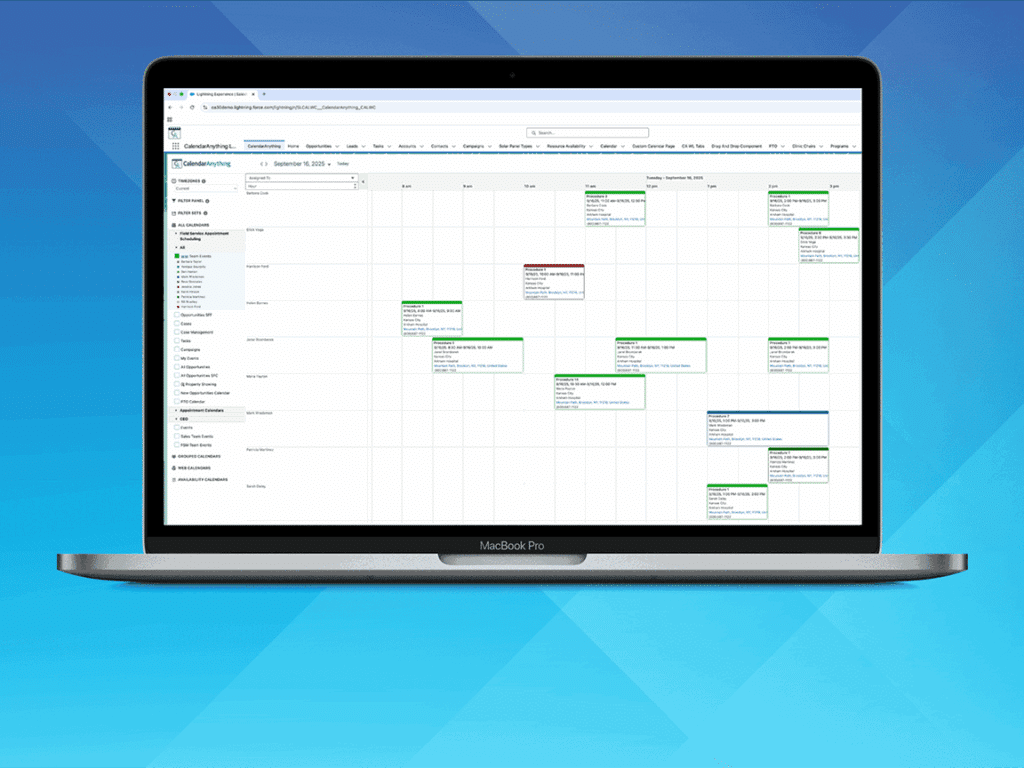
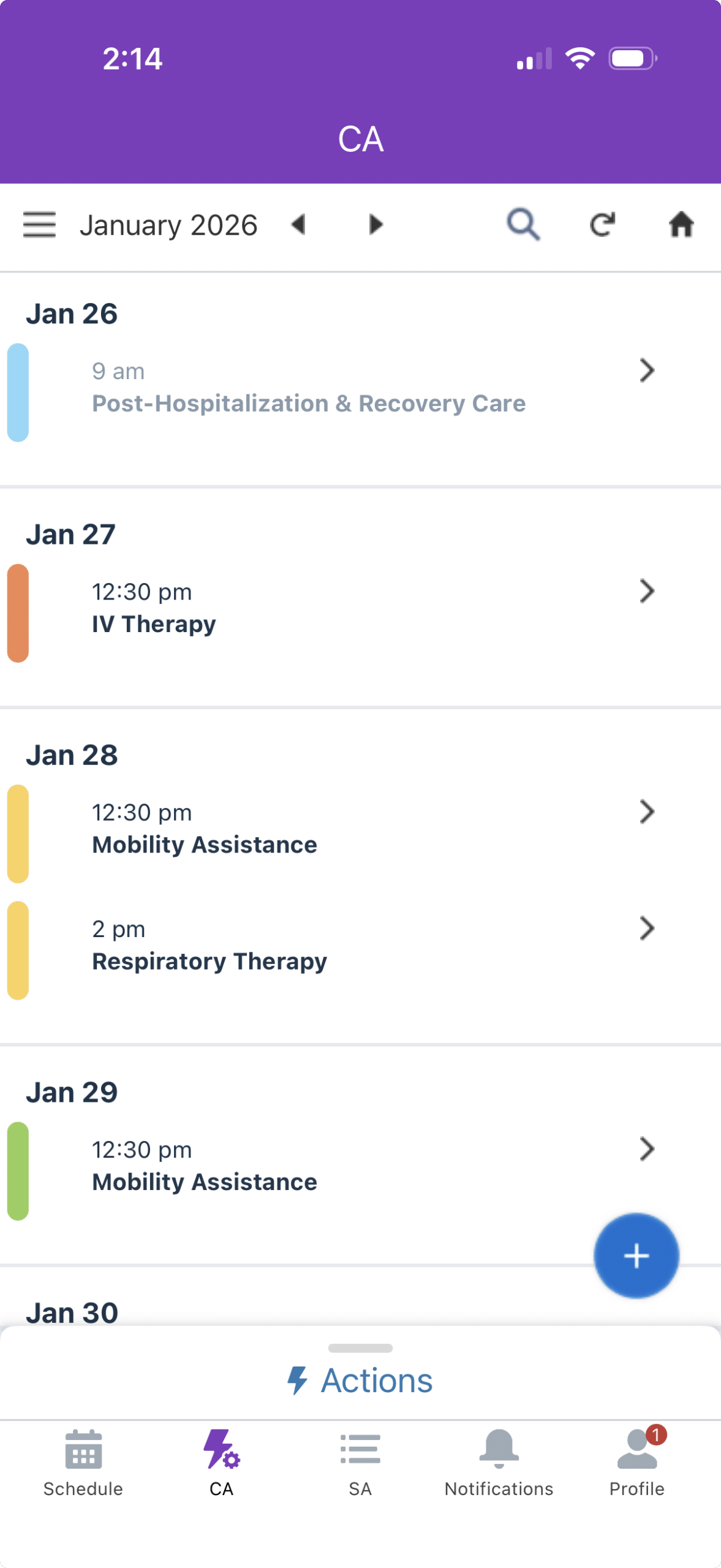
The Salesforce Field Service mobile app limits mobile visibility to Field Service objects, not the full mix of work orders, assets, cases, inventory, PTO, or crew changes that actually impact an employee’s day. CalendarAnything Lite for Field Service bridges the gap by enabling field service teams to see all relevant Salesforce data (not just Field Service objects) in one intuitive, mobile-friendly calendar view.
Enriching the Salesforce Field Service mobile app
From the field to the back office, everyone gains complete visibility into resources, appointments, equipment, and cases — empowering faster decisions, proactive collaboration, and better customer experiences. CalendarAnything Lite for Field Service complements Salesforce Field Service to help organizations add value instantly rather than having to do a custom build. Benefits include:
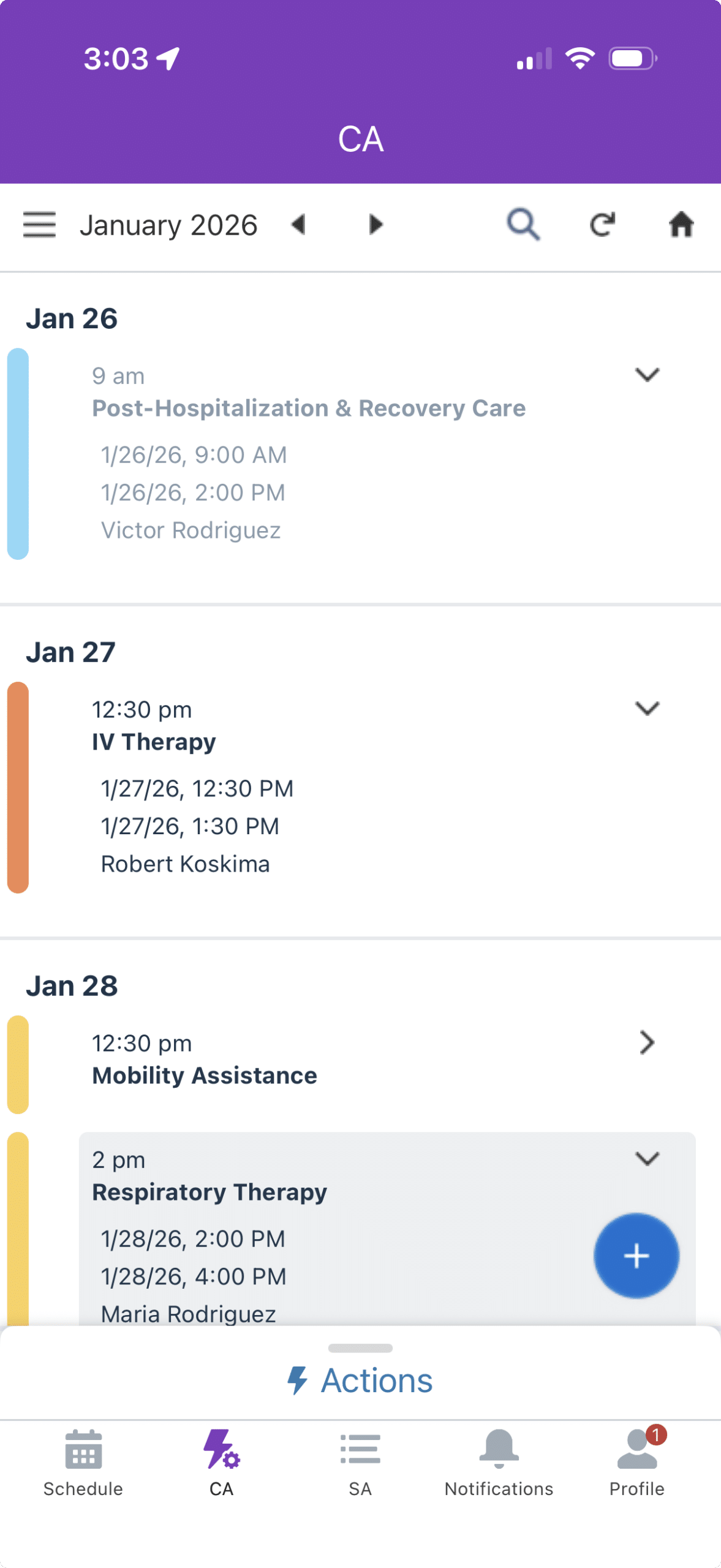
- Unified calendar view: Overlay any Salesforce object with Service Appointments, including Work Orders, Assets/Inventory, Cases, and even PTO calendars.
- Role-based calendars: Technicians, dispatchers, and managers can each view personalized calendars tailored to their role, ensuring they see the most relevant jobs, tasks, and resources at a glance.
- Full team and equipment insight: Field technicians know exactly which team members they’re working with and what equipment is needed before arriving onsite.
- Mobile-first design: Optimized for field technicians using Field Service Mobile app while still giving dispatchers, service managers, and executives access via desktop CalendarAnything.
- Proactive communication: Identify missing resources or equipment in advance, reducing wasted trips, delays, and customer frustration.
-
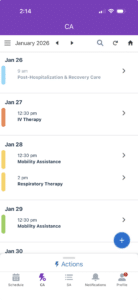
- Visualize Salesforce information
-
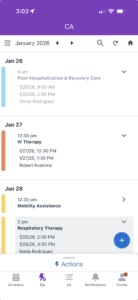
- See quick details at a glance
-
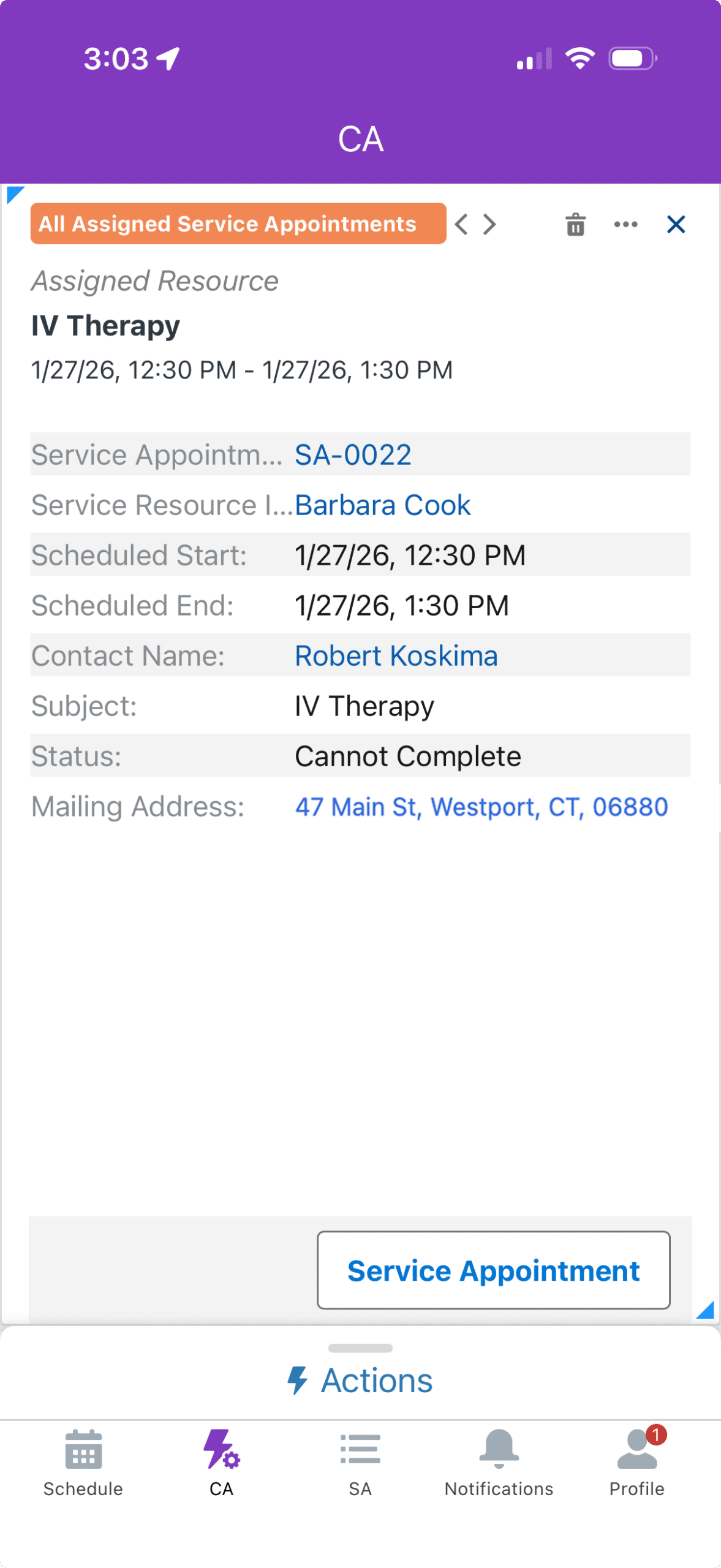
- Full details with a click
CalendarAnything Lite for Field Service use cases
Scheduling shifts without headaches
A medical device company needs an easy way to determine who is available to cover a procedure and the ability to assign or reassign these procedures. With CalendarAnything Lite for Field Service, they can accommodate sudden schedule shifts and allow field reps a high-level view of day-to-day activities so they can make their own scheduling decisions as needed. The schedule is easy to update across divisions and duties, which better connects office and field rep touchpoints and encourages team-wide collaboration.
Equipment readiness in the field
A case is assigned to a field technician. Before heading out, they can check the service appointment, view required equipment, see the address, follow the optimized route, and know which teammates are assigned. Missing gear? Contact the teammate who has it before leaving.
Crew changes made simple
A crew of four loses a member. Temporary fill-in resources are rotated until a replacement is found. With CalendarAnything Lite for Field Service, crew members instantly see who’s filling in and can get them up to speed before arriving on site, reducing downtime and errors.
When your field employees can see more, they can do more. The CalendarAnything Lite for Field Service improves visibility without a huge rollout or disruption to operations. Just a clean, unified mobile calendar your team can rely on.
Contact the CalendarAnything team to walk through your workflows and see where you can maximize Salesforce Field Service ROI.