Multi Create in CalendarAnything
If your business has requirements that go beyond our out-of-the-box features, reach out - we offer custom development services for CalendarAnything to meet your unique needs.
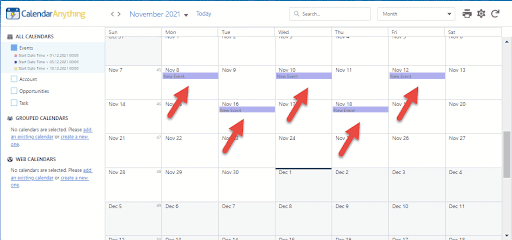
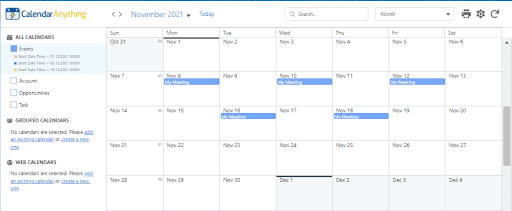
CalendarAnything LWC allows you to create multiple records at the same time. The Multi Create functionality is available in all CalendarAnything views.
In this article you will learn how to:
Create Multiple Records
To create multiple records at the same time within CalendarAnything:
- Hold CTRL and click on the dates/cells where you want to create records.
- Release CTRL and click the screen one more time to show the create dialog popup.
- Fill in appropriate fields in create dialog popup
- Save